Real terminals
Grove runs every script on a pseudo-terminal. Colors, progress bars, prompts, and signals behave like they do in your shell.
Connect a folder once. The menu bar, CLI, and built-in MCP server start, inspect, and stop the same real terminal processes.
$5 once · 3 days free · macOS 15+ · Apple Silicon and Intel
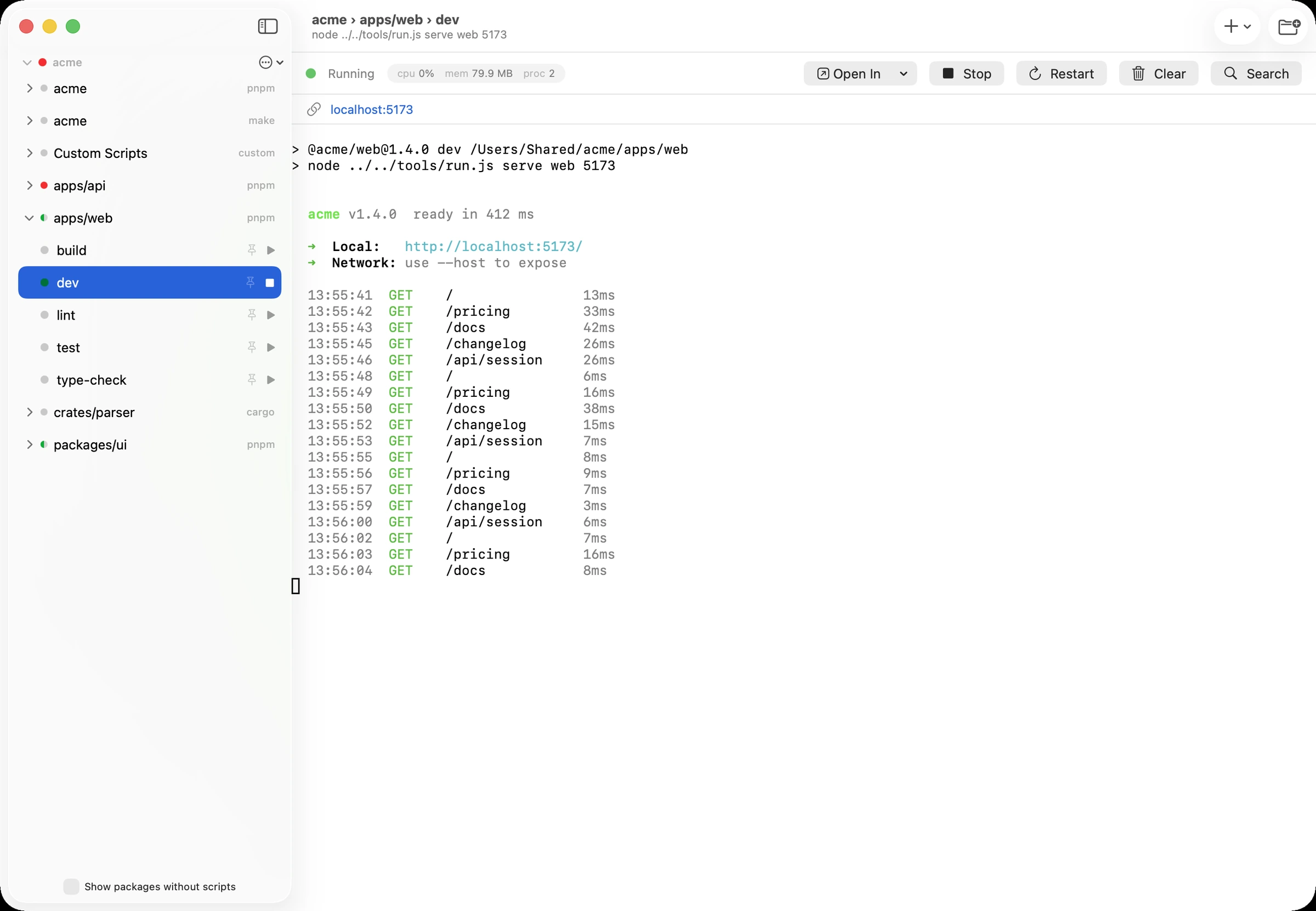
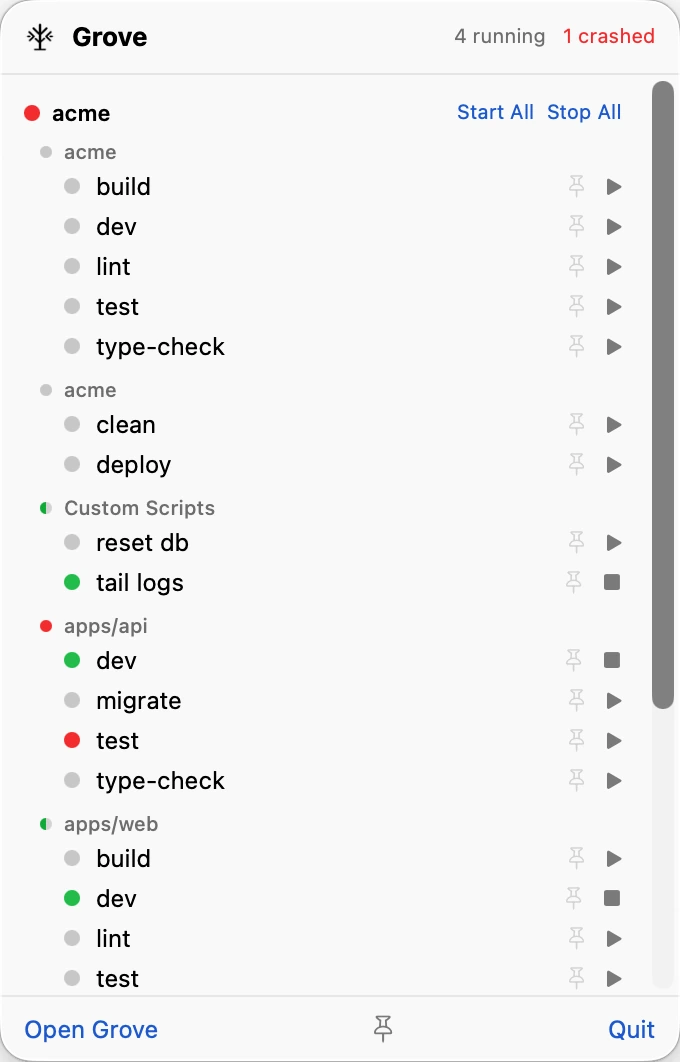
It follows workspace globs, finds every supported manifest, and keeps packages from different ecosystems separate. No new config file. No list to maintain.
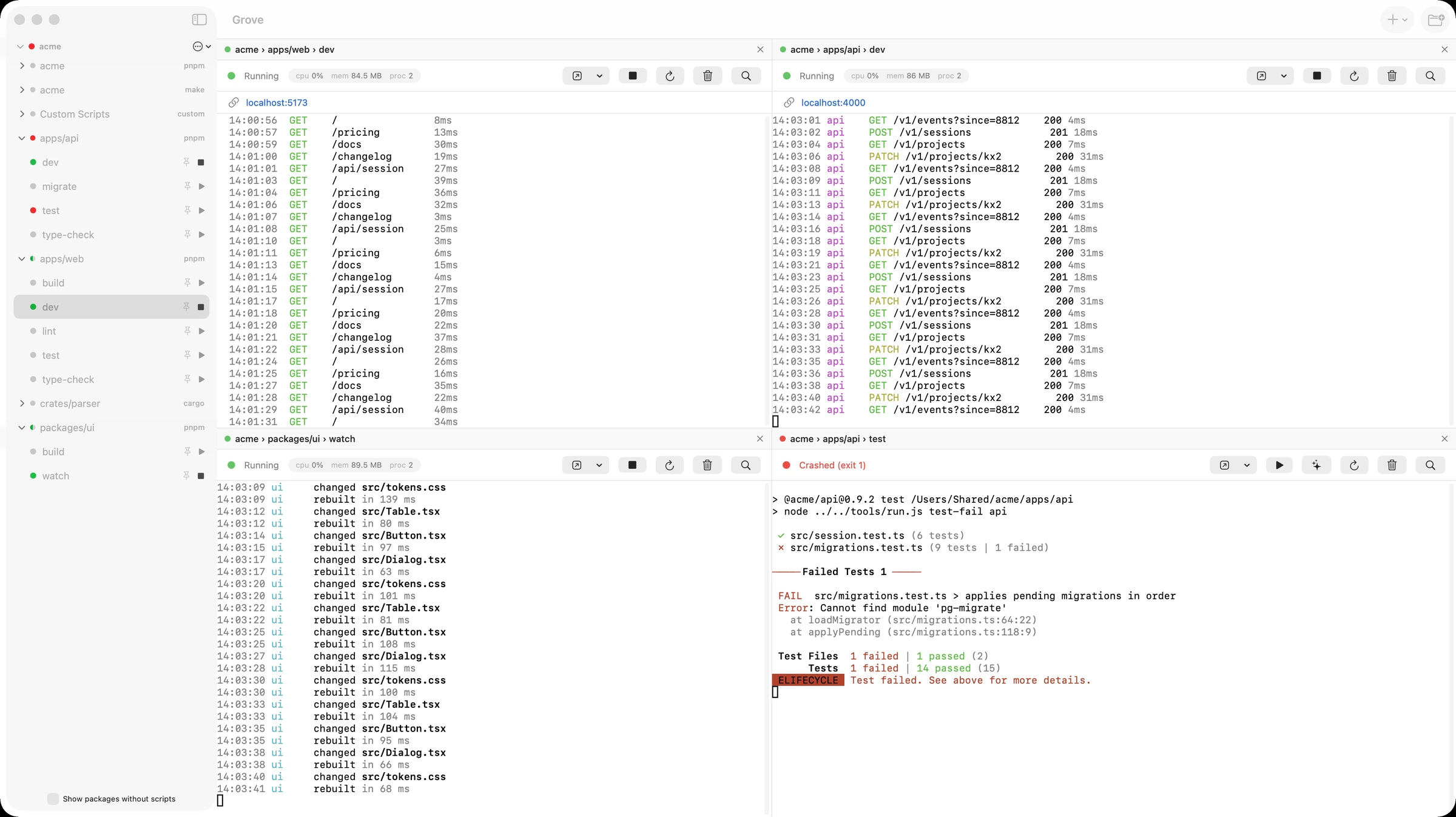
package.jsondeno.jsonpyproject.tomlCargo.tomlgo.modMakefile.grove/scripts.jsonPut up to four live terminals side by side. Logs keep their color, ports become links, and failures stay visible until you check them.
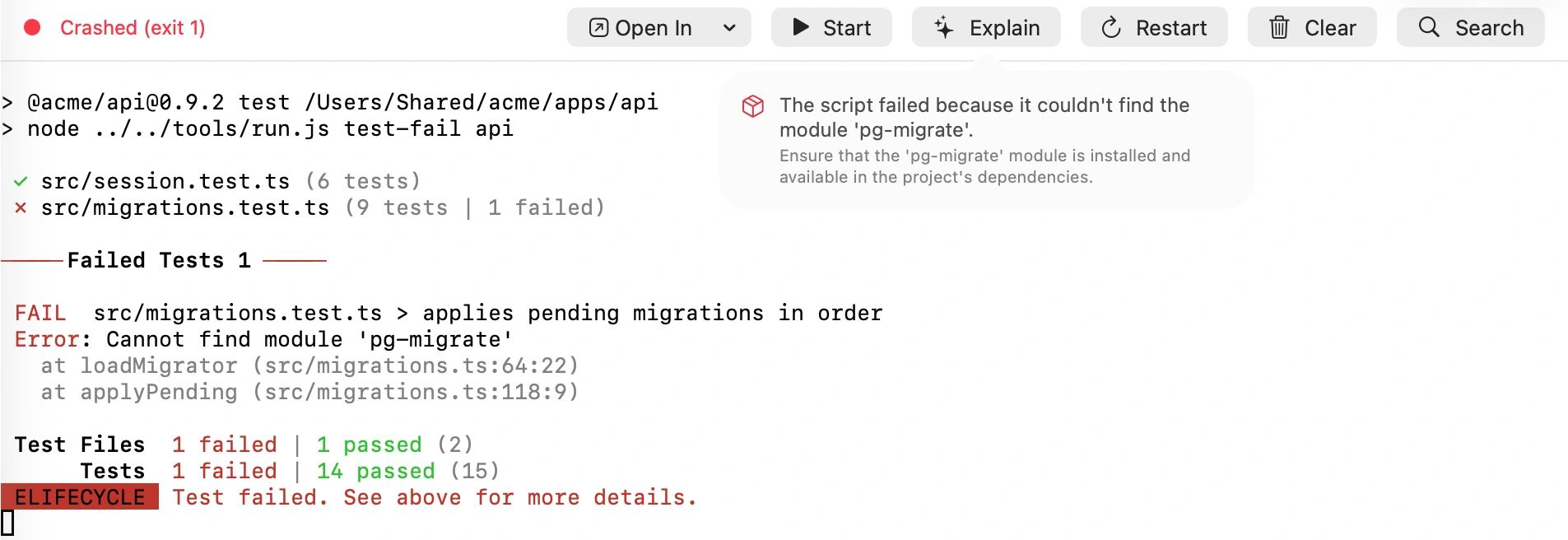
Press Explain and Apple's on-device model summarizes the end of the log. Grove removes anything shaped like a token or password before the model sees it.
On device. No log upload.
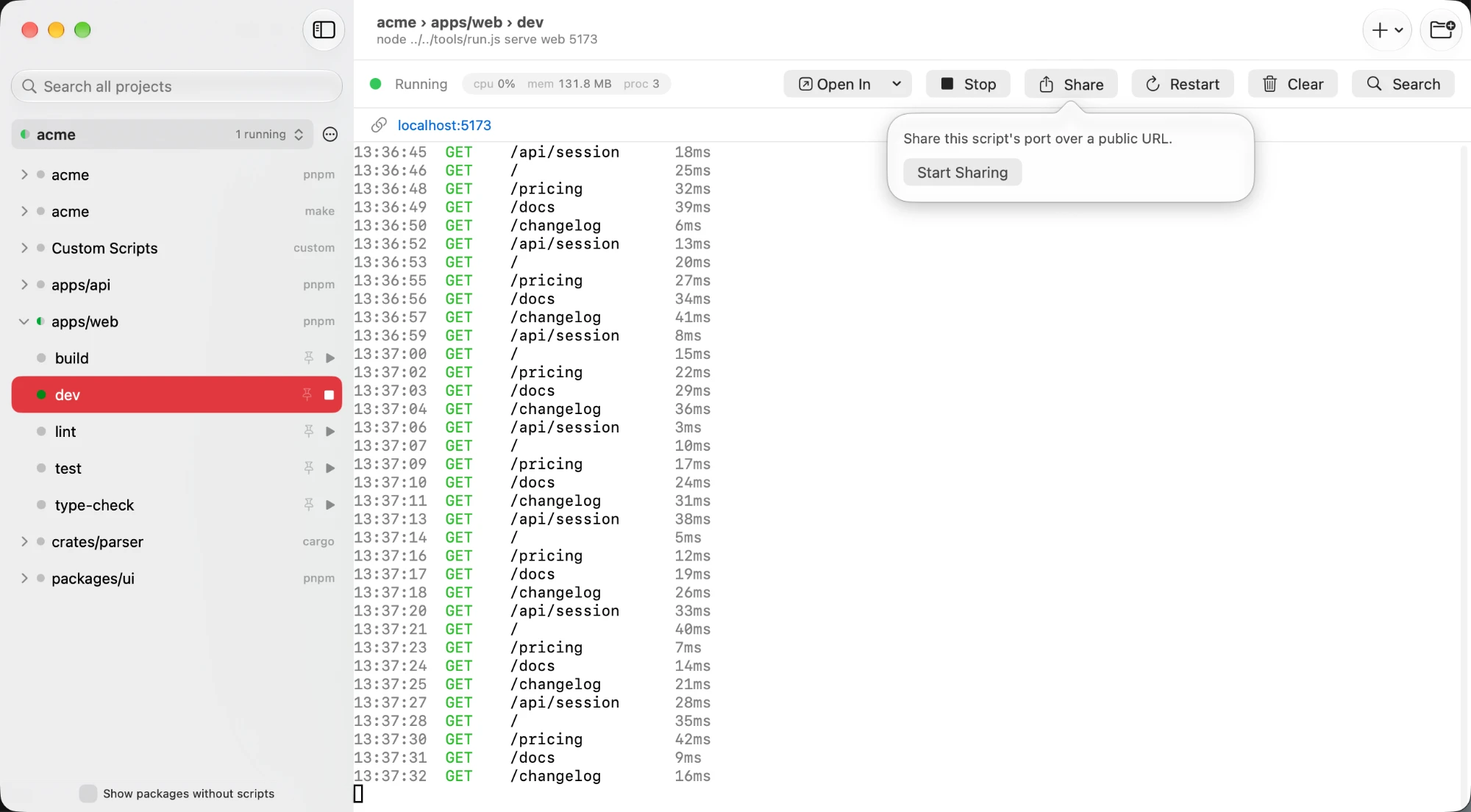
The CLI and MCP server control the running Grove app through a local unix socket. When an agent starts dev, it appears in your menu bar with the same logs, port, and stop control.
# see everything Grove found
$ grove list

# start a server and wait for its port
$ grove start dev --wait-for-port
✓ dev is running at http://localhost:4321

# stream only the latest output
$ grove logs dev --followGrove runs every script on a pseudo-terminal. Colors, progress bars, prompts, and signals behave like they do in your shell.
Stop a script and Grove stops its children too. No abandoned dev servers. No mystery port still listening after the parent exits.
Grove resolves your interactive shell once, then reuses it. Version managers work without adding startup time to every run.
$5
once, not per year
Or download it and use everything free for 3 days. No card, no account.
$5 once · no renewal · macOS 15 or later